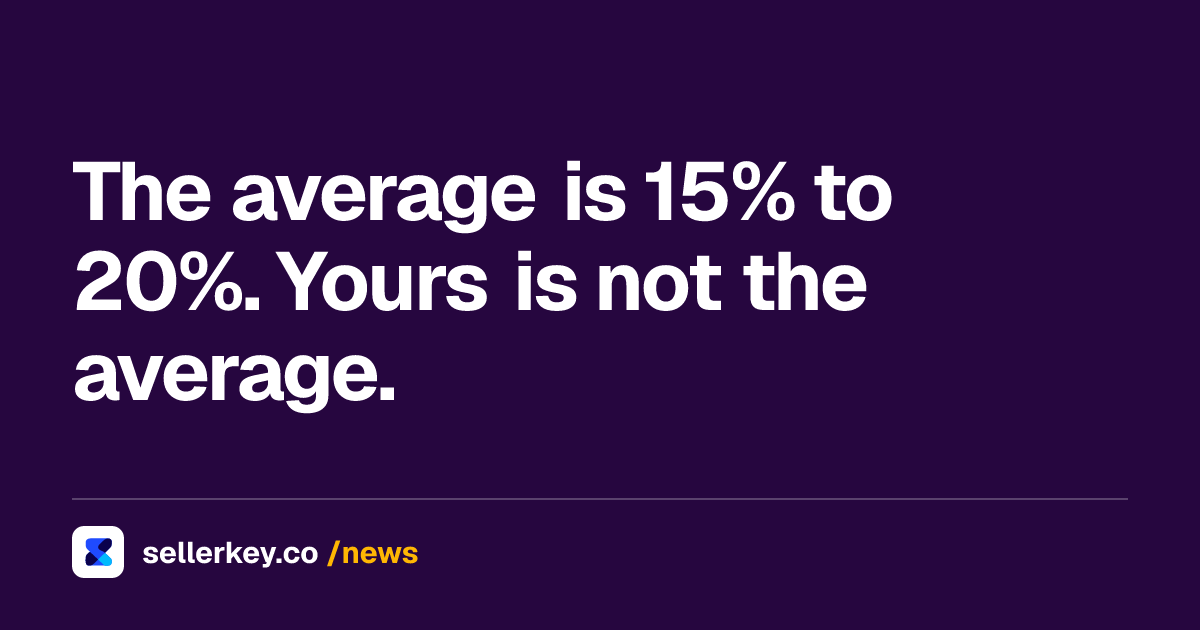
$0.50
per cubic foot, aged inventory surcharge at 181 to 210 days, since 16 Jan 2026
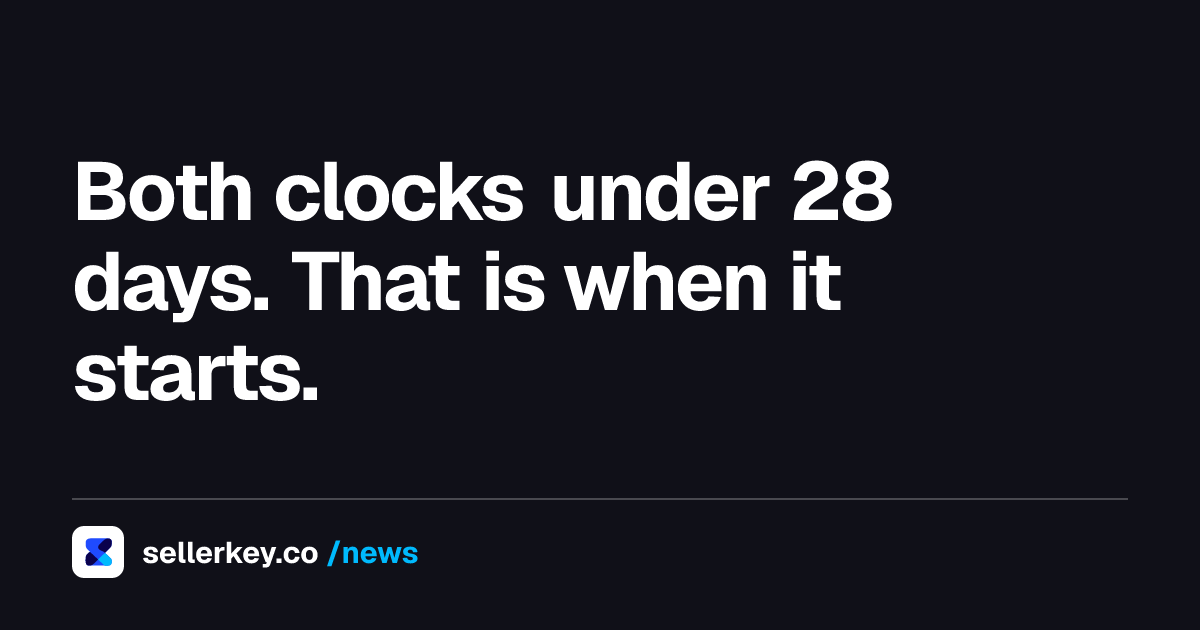
$5.45
per cubic foot for the same units at 271 to 300 days, since 16 Jan 2026
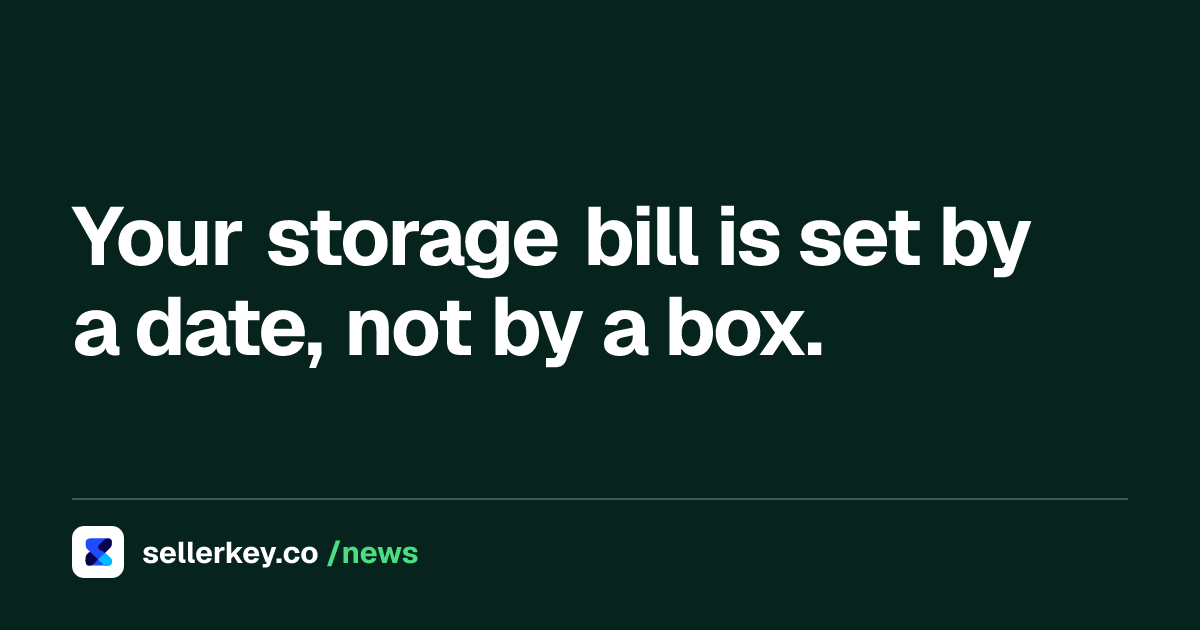
15 cu ft
fixed FBA capacity limit for Individual selling accounts, not increasable
Key takeaways
- Since 16 January 2026 the aged inventory surcharge runs from 0.50 dollars per cubic foot at 181 days to 7.90 at 456 days.
- The jump is at 271 days: 1.50 dollars per cubic foot becomes 5.45, on the same units and the same shelf.
- The surcharge is assessed on a snapshot taken on the 15th and charged between the 18th and 22nd, on top of monthly storage.
- Capacity limits are measured in cubic feet and count open inbound shipments, not only stock on hand.
- Individual accounts sit at a fixed 15 cubic feet. Professional accounts under 39 weeks in FBA have no limit at all.
Amazon FBA inventory management is not a dashboard you check. It is five clocks that run whether you look at them or not, and each one bills you on a date you did not pick. Most sellers manage the first clock, capacity, and discover the other four in an invoice.
This guide covers what each clock measures, the exact figure attached to it, the date that figure took effect, and what to do before it fires.
Clock 1: capacity, measured in cubic feet
Since 1 March 2023 Amazon runs a single monthly capacity limit per storage type, replacing the old weekly restock limit and quarterly storage limit. The limit is set differently depending on the account.
- Individual selling accounts have a capacity limit of 15 cubic feet. It does not change and it is not eligible for an increase.
- New professional selling accounts, active in FBA for less than 39 weeks, do not receive capacity limits at all. Amazon uses that period to build a sales record.
- Professional accounts active in FBA for more than 39 weeks get limits based on Inventory Performance Index score and sales performance. Consistently higher IPI scores earn higher limits, adjusted for sales volume and available capacity.
The detail that catches people: usage counts inventory on hand and open shipments on the way to fulfillment centers, in cubic feet. A shipment sitting in Receiving is already eating your limit. Limits for the coming month are announced in the third full week of each month in the Capacity Monitor at the bottom of the FBA dashboard, with estimates for two further months.
If you need more, Capacity Manager takes a reservation fee per cubic foot that you set yourself. Requests are granted from the highest reservation fee down until the available capacity runs out, and the fee is offset by performance credits earned from sales made with that extra capacity, designed to cover up to 100 percent of it when the stock sells through.
Clock 2: age, and this is the expensive one
The aged inventory surcharge applies to units stored in the fulfillment network for 181 days and more. Since 16 January 2026 the tiers are:
| Days in storage | Surcharge |
|---|---|
| 181 to 210 | 0.50 dollars per cubic foot |
| 211 to 240 | 1.00 dollars per cubic foot |
| 241 to 270 | 1.50 dollars per cubic foot |
| 271 to 300 | 5.45 dollars per cubic foot |
| 301 to 330 | 5.70 dollars per cubic foot |
| 331 to 365 | 5.90 dollars per cubic foot |
| 366 to 455 | 6.90 dollars per cubic foot or 0.30 dollars per unit, whichever is greater |
| 456 and over | 7.90 dollars per cubic foot or 0.35 dollars per unit, whichever is greater |
The 181 to 270 day tiers exclude items listed under clothing, shoes, bags, jewelry and watches. The surcharge is assessed on a snapshot taken on the 15th of each month and charged between the 18th and the 22nd, on top of the monthly storage fee, not instead of it.
Read the table again and find the step between 241 to 270 days and 271 to 300 days. It is not a increase, it is a multiplication: 1.50 dollars becomes 5.45 dollars per cubic foot. That is the single most important date in FBA inventory management, and it is a date, not a decision.
The worked example
Take 400 units at 0.2 cubic feet each. That is 80 cubic feet on the shelf.
- Month the stock crosses 181 days: 80 cubic feet times 0.50 dollars equals 40 dollars.
- Still there at 271 days: 80 times 5.45 equals 436 dollars.
- Still there at 301 days: 80 times 5.70 equals 456 dollars.
- Still there at 331 days: 80 times 5.90 equals 472 dollars.
- Still there at 366 days: the greater of 80 times 6.90 (552 dollars) and 400 times 0.30 (120 dollars), so 552 dollars.
Same units, same shelf, same box. The bill goes from 40 dollars to 552 dollars because of the calendar alone, and every one of those months also carries the ordinary monthly storage fee, which itself jumps on 1 October.
The operational reading: the ninth month is when you stop optimising and start liquidating. Amazon's own guidance points at the FBA Inventory tool to filter by time in the fulfillment center and see which ASINs will cross 181 days before the next cleanup date, which is the only way to act 30 days early instead of 30 days late.
Clock 3: receiving, where inventory exists but does not sell
Inventory on the way is capacity you are already paying for and stock you cannot sell. Amazon's guidance on lost or delayed shipments says a shipment needs to be delivered, checked in and received, which takes at least six days and often longer. The shipment turns Closed when all units are confirmed or when it has been open for more than 90 days.
That 90 day ceiling matters for planning, not just for claims. A shipment created in September that stalls is still occupying capacity in December. If units go missing, the reconciliation process takes 2 to 30 days, and up to 60 for complex cases, and it needs two documents you should have saved before the shipment left: proof of inventory ownership and proof of delivery.
Clock 4: claims, which expire quietly
Inventory management includes the units Amazon owes you. Under the eligibility windows in force since 23 October 2024, manual claims run on fixed timers: 60 days after an item is reported lost or damaged in a fulfillment center, between 60 and 120 days after a customer refund or replacement for returns, and 15 to 75 days from the shipment creation date for removals lost in transit. All other removal claims go within 60 days of the shipment being delivered back to you.
Since 1 November 2024 Amazon proactively reimburses most fulfillment center losses, which is exactly why these windows get missed: the automatic reimbursements train you not to look. Every claim and its window is mapped in the guide to FBA reimbursement claims.
Clock 5: the sell through rate that feeds all four
IPI is a rolling metric, not a snapshot. It combines sales, inventory levels and costs over a trailing period and updates weekly, which is why a removal you ordered last week barely moves it. It measures how well you balance inventory against sales, whether you fix listing problems that make inventory unavailable, and whether popular products stay in stock. It then sets the capacity limit in clock 1, which sets how much stock you can send, which sets whether you run out and pay the low inventory level fee.
Clocks 1, 2 and 5 are the same loop. Too much stock triggers the age surcharge and dents IPI. Too little triggers low inventory fees and lost rank. The job is not minimising inventory, it is minimising the days each unit spends between 181 and 456.
The monthly routine that covers all five
- Third full week of the month: read the new capacity limit and the two estimates in the Capacity Monitor. Plan purchase orders against the estimate, not against last month's number.
- Before the 15th: filter FBA Inventory by time in the fulfillment center and list everything that will cross 181, 271 or 366 days before the next snapshot. The 15th is when the picture is taken.
- Act on the 271 day group first. The jump from 1.50 to 5.45 dollars per cubic foot is worth more than any other decision on the list, and a removal ordered late arrives in the next month, not this one.
- Reconcile open shipments older than 30 days while the documents are still easy to get.
- Check the reimbursement report for claims approaching their window.
Every fee named here has a date attached because Amazon changes them on dates. The rates above are the ones in force since 16 January 2026, and the way to keep this guide useful is to re check that one table each January, not to rewrite your process.
For the full fee picture beyond storage, see every FBA fee with its effective date.
“Usage against your FBA capacity limits will consider your inventory on-hand at Amazon and open shipments on the way to our fulfillment centers, calculated in cubic feet.”
Amazon Seller Forums
Sources
- Amazon Seller Forums - AVOID Costly Fees: Aging Inventory Action Plan (tabla vigente desde el 16-01-2026) sellercentral.amazon.com
- Amazon Seller Forums - Refresher: FBA Capacity Limits and How They Work sellercentral.amazon.com
- Amazon Seller Forums - Simplifying FBA capacity limits for your business (límite único desde el 01-03-2023) sellercentral.amazon.com
- Amazon Seller Forums - Update on Reimbursement Automation and Eligibility Window sellercentral.amazon.com
- Amazon Seller Forums - Guide to FBA Inventory Reconciliation sellercentral.amazon.com

Hey! We're the SellerKey Team
Data & product at SellerKey.co
📊 We build SellerKey.
The team behind SellerKey. We write about fees, margin, inventory and ads for Amazon sellers.