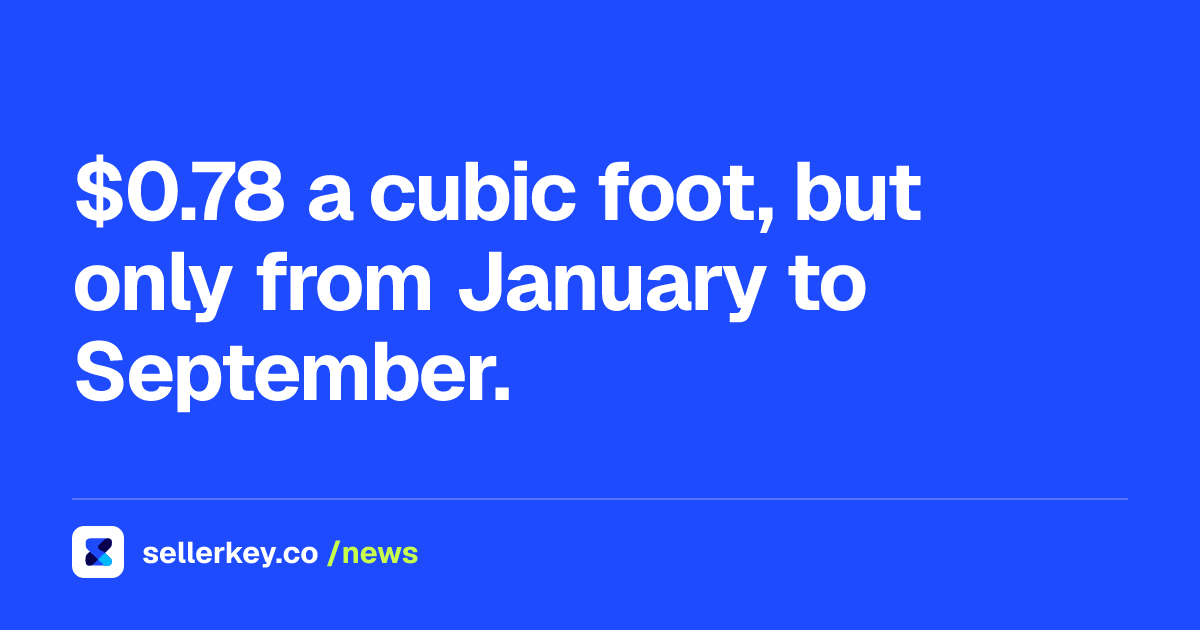
$39.99
a month for the Professional plan, as published by Amazon on October 14, 2026
$0.99
per item sold on the Individual plan, no monthly fee, same date
40 items
a month: the point where the two plans cost within forty cents of each other
Key takeaways
- Opening the account is free. The first recurring cost is the plan: $39.99 a month Professional, or $0.99 per item sold Individual.
- The crossover is 40 items a month: $39.60 on Individual against $39.99 on Professional, forty cents apart.
- Registration runs in six steps, ending in identity verification by selfie with ID or a video call with an Amazon associate.
- Amazon's registration guide asks for proof of address within 180 days; the Seller Central document post says 90. Use 90.
- Files are rejected mechanically: expired IDs, name mismatches, screenshots, black and white copies and files over 10MB.
Before you start
- A government-issued identity document that is not expired
- An internationally chargeable credit card and a bank account with its routing number
- A business license or registration certificate, if you register as a company
- Proof of residential address from the last 90 days, in original colour
- Your tax information
Step by step
- Create the login credentialsFirst name, last name, email and password. An existing Amazon customer or Amazon Business account can be reused, which skips a verification round but ties the seller account to that email.
- Fill in the business informationBusiness location, business type, legal business name, company registration number (not the tax ID), registered business address and phone number with country code.
- Fill in the seller informationFull legal name, citizenship, country of birth, date of birth and residential address, then declare whether you are a beneficial owner, a legal representative, or both.
- Add the billing informationBank account details and a credit card. Amazon accepts American Express, Diners Club, Discover, JCB, Mastercard and Visa, and the card has to be chargeable internationally.
- Set the store and product informationA unique store name, which does not have to match the business name, plus product codes (GTINs), business certifications and whether you are the manufacturer or brand owner.
- Pass identity verificationUpload the government-issued ID and the proof of residential business address, then either photograph your face with the ID or take the video call with an Amazon associate.
- Pick the selling planIndividual at $0.99 per item sold with no monthly fee, or Professional at $39.99 a month plus selling fees. Below 40 items a month Individual is cheaper; above it Professional is, by $0.99 per extra unit.
An Amazon seller account costs nothing to open. The money starts when you choose a plan: $39.99 a month for the Professional plan, or $0.99 per item sold on the Individual plan, the figures Amazon published on its selling plans comparison as of October 14, 2026. Everything before that choice is paperwork, and the paperwork is where most registrations stall.
This is the whole sequence, in the order Amazon runs it, with the documents it asks for at each point.
What you need before you start
Amazon's registration guide lists seven things to have open in another tab:
- A government-issued identity document.
- An email address for the account.
- A credit card that can be charged internationally.
- A bank account and its routing number.
- A business license or registration certificate.
- Proof of residential address dated within the last 180 days, such as a bank or credit card statement.
- Your tax information.
One note on the address document, because it is the single most common point of confusion: the registration guide says 180 days, while the document requirements post from an Amazon moderator in the Seller Central forums says the proof of address and the bank document must be dated within the last 90 days. The safe read is the stricter one. Use a statement from the last 90 days and the 180 day rule never bites you.
The six steps Amazon walks you through
1. Create the login. First name, last name, email and password. An existing Amazon customer account or Amazon Business account works too, which saves a verification round but ties the seller account to that email forever.
2. Business information. Business location, business type, legal business name, company registration number (not your tax ID), registered business address and a phone number with country code.
3. Seller information. Your full legal name, citizenship, country of birth, date of birth and residential address, then whether you are a beneficial owner, a legal representative, or both.
4. Billing information. Bank account details and a credit card. Amazon accepts American Express, Diners Club, Discover, JCB, Mastercard and Visa.
5. Store and product information. A store name, which has to be unique but does not have to match your business name, plus product codes (GTINs), business certifications and whether you are the manufacturer or brand owner.
6. Identity verification. Upload the government-issued ID and the proof of residential business address, then either take a photo of your face with the ID or join a video call with an Amazon associate.
Why registrations get rejected
The forum post from the Seller Central moderators is blunt about the document rules, and they are mechanical rather than subjective:
- The name on every document has to match your ID. Mismatches are the common rejection.
- Expired IDs are rejected outright.
- Files go in as PDF, PNG or JPEG, under 10MB, in original colour, with all four corners visible and no glare or blur. Screenshots and black and white copies are not accepted, and mobile phone bills are often refused as proof of address.
- The bank document has to show the account holder's name, the account number and the bank details, and the account holder has to be the seller.
Country adds its own layer: North America may ask for an EIN or SSN, Europe often needs a VAT registration above certain thresholds, Asia-Pacific and the Middle East may ask for extra business licenses or trade licenses.
Choosing the plan, with the numbers
The plan is the one decision in registration that costs money every month, and it comes down to volume.
- Individual: $0.99 per item sold, no monthly fee. Amazon positions it for sellers under 40 items a month.
- Professional: $39.99 a month regardless of how many items you sell, plus selling fees, and it carries bulk listings, brand management tools, detailed sales reports and advertising tools.
The crossover is arithmetic. At 40 items a month, Individual costs $39.60 and Professional costs $39.99, so the plans are within forty cents of each other. Below 40 items, Individual is cheaper and you give up the Professional tools. Above 40, Professional is cheaper and the gap widens by $0.99 per extra unit: at 100 items a month, Individual costs $99.00 against $39.99, a difference of $59.01. Referral fees apply on both plans and vary by category, so they do not change the comparison.
You can start on Individual and switch, so the honest default for a first account is Individual unless you already need advertising or bulk listing on day one. For the full breakdown of what each plan includes, see Amazon seller account types, individual vs professional, and for what the subscription actually buys you, what the Amazon seller account fee covers.
After the account opens
Registration is the easy half. The account then starts accruing a performance record from the first order, and that record is what decides whether listings stay up. How the Amazon account health rating works is worth reading before the first shipment, not after the first policy notice. If the plan is to let Amazon hold and ship the stock, what Amazon FBA is and what it costs sets out the fees that land on top of the plan.
“A Professional selling account is $39.99/month + selling fees.”
Amazon
Sources
- Amazon: How to register as an Amazon seller sell.amazon.com
- Amazon: Individual selling plan vs Professional selling plan sell.amazon.com
- Amazon Seller Central: Document Requirements Explained, What You Need Before You Start sellercentral.amazon.com

Hey! We're the SellerKey Team
Data & product at SellerKey.co
📊 We build SellerKey.
The team behind SellerKey. We write about fees, margin, inventory and ads for Amazon sellers.