900%
Placement bid adjustments maximum increase
100%
Dynamic bids increase or decrease limit
$10
Recommended starting daily budget
Key takeaways
- Amazon allows placement bid adjustments of up to 900%, meaning a $1.00 bid can become $10.00 in auctions.
- Dynamic bids up and down can increase or decrease bids by up to 100% based on performance predictions.
- Automatic targeting combines four distinct match types that should be managed separately to avoid unprofitable mixes.
- Starting campaigns with 'down only' dynamic bids protects your max bid while gathering conversion data.
- Quarterly audits of placement bid adjustments prevent unnoticed spend spikes during peak seasons.
Most Amazon PPC guides start with keywords. This one starts with the two settings that move spend before a keyword ever does: the bidding strategy and the placement adjustment. Get those wrong and no amount of keyword work saves the account, because Amazon is allowed to multiply the number you typed in the bid field by more than ten before the auction runs.
This is the structural version of an Amazon PPC guide, built on what Amazon Ads documents rather than on agency folklore. The rates and mechanics below come from Amazon's own guides.
What the ad products actually are
Amazon's own guide to its ad products sorts them into a short list, and the distinctions matter because they decide who can run what.
- Sponsored Products are self-service, cost-per-click ads for individual product listings. This is where almost every seller starts and where most accounts keep the majority of spend.
- Sponsored Brands are self-service, cost-per-click ads for a brand, with a custom headline, a brand logo and multiple products in one unit.
- Display ads reach shoppers using Amazon shopping interests, on and off Amazon.
- Streaming TV ads and audio ads sit further up the funnel.
- Brand Stores are free, multi-page brand destinations on Amazon. Free is the operative word: a Store costs nothing and gives Sponsored Brands somewhere to land.
- Amazon DSP is the demand-side platform, available self-service or managed. If you are running DSP across markets, the move to a single global DSP account changed how reporting is split by marketplace.
How targeting works in Sponsored Products
Amazon's Sponsored Products best practices name three targeting approaches, and the automatic one has four match types that most accounts treat as a single switch.
Automatic targeting runs four match types:
- Close match, for shopping terms closely related to your product
- Loose match, for terms loosely related to it
- Substitutes, on detail pages of similar products
- Complements, on detail pages of products that go with yours
Those four behave nothing alike. Close match is a keyword discovery tool. Substitutes is a competitor conquesting placement. Running them under one bid is the most common structural mistake in a new account, and it is the reason auto campaigns look unprofitable in aggregate while containing profitable segments.
Manual targeting lets you select the keywords or products to target yourself. Negative targeting stops your ads appearing on specific shopping results or detail pages, which is how you keep a converting auto campaign from buying the same term twice.
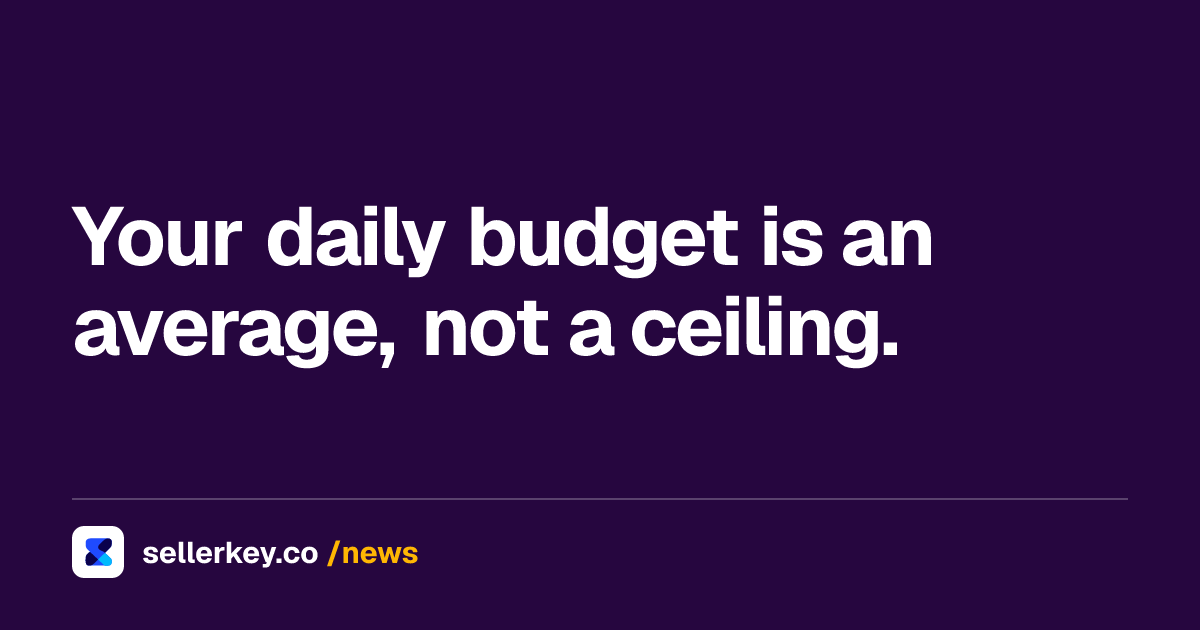
Amazon recommends starting with a daily budget of 10 dollars or the local equivalent. That is a floor for learning, not a strategy.
The three bidding strategies, and what each one is allowed to do
This is the part of any Amazon PPC guide worth reading twice, because the wording is precise and the consequences are not obvious.
- Fixed bids. Amazon uses the bid you set. No adjustment either way.
- Dynamic bids, down only. Amazon lowers your bid when a click looks less likely to convert. It never raises it.
- Dynamic bids, up and down. Amazon's dynamic bidding guide states it plainly: "We will increase or decrease your bids by up to 100% for all placements based on performance." A 1.00 dollar bid can become 2.00 dollars.
Down only is the safe default for a new campaign, because your stated bid is a genuine ceiling. Up and down is for campaigns with enough conversion history for Amazon to have something to predict from. The difference between them is not a preference; it is whether the number in your bid field is a maximum or a starting point.
Placement bid adjustments: the 900 percent nobody budgets for
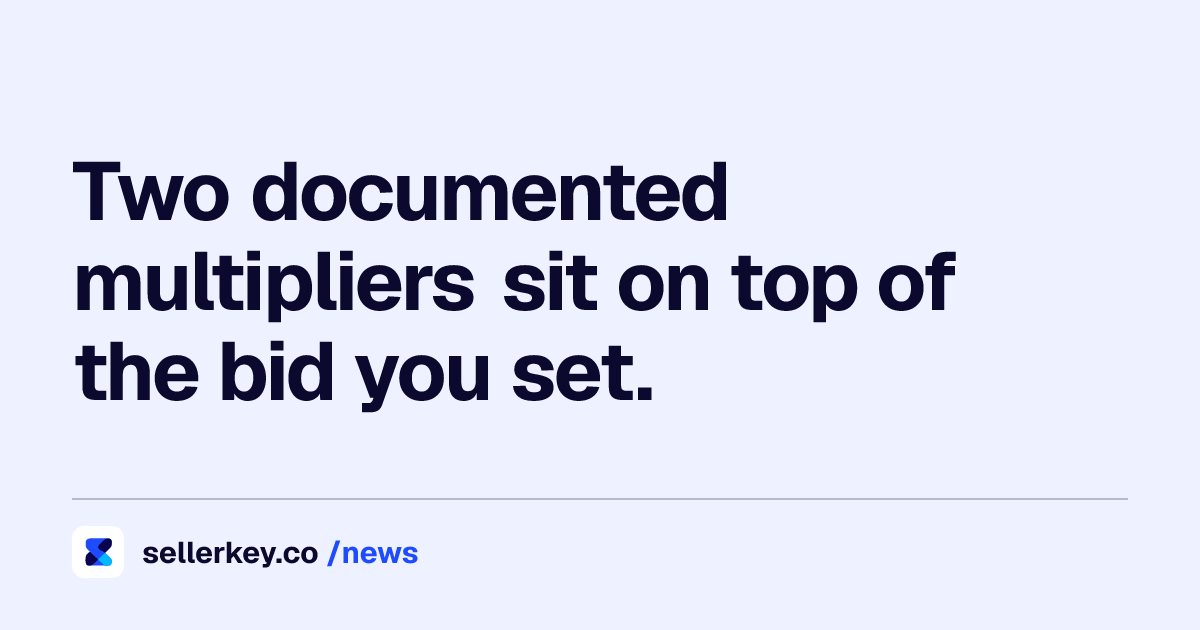
On top of the bidding strategy, Amazon lets you add placement bid adjustments of up to 900 percent. Nine hundred. A 1.00 dollar bid with a 900 percent top-of-search adjustment enters that auction at 10.00 dollars.
Sitting next to a dynamic bidding strategy, that adjustment is the larger of the two levers by an order of magnitude: up and down can move a bid by up to 100 percent, a placement adjustment by up to 900. The bid you typed is not the bid that enters the auction.
This is where most unexplained spend spikes come from. A modest top-of-search adjustment set during a launch and never revisited will quietly carry a campaign through an entire peak season at a multiple of its nominal bid. Check the adjustment before you check the keywords.
What to actually do with this
The order of operations that holds up across accounts:
- Separate the four auto match types into their own campaigns or their own bids. You cannot manage what shares a number.
- Start on down only. Move a campaign to up and down when it has conversion history, not when it has impressions.
- Audit placement adjustments quarterly. Write down what each one is for. An adjustment with no stated reason is an adjustment nobody will lower.
- Use negative targeting deliberately, so auto and manual campaigns are not bidding against each other on the same term.
- Keep your own copy of the data. Amazon's reporting retention is not indefinite, and the migration to unified reporting changes how far back daily-grain data goes. Export before you need it.
None of this is clever. It is the part of an Amazon PPC guide that stops the account leaking while you work on the clever part, and it holds whether you are spending 500 dollars a month or 50,000.
Sources
- Amazon Ads - Best practices for your Sponsored Products ads advertising.amazon.com
- Amazon Ads - Guide to dynamic bidding, up and down with Sponsored Products advertising.amazon.com
- Amazon Ads - Understanding Amazon Ads: a guide to our ad products advertising.amazon.com

Hey! We're the SellerKey Team
Data & product at SellerKey.co
📊 We build SellerKey.
The team behind SellerKey. We write about fees, margin, inventory and ads for Amazon sellers.