90%
minimum business hour delivery rate for seller-fulfilled Amazon Business orders
Sep 30, 2026
date the requirement started applying
Oct 30, 2026
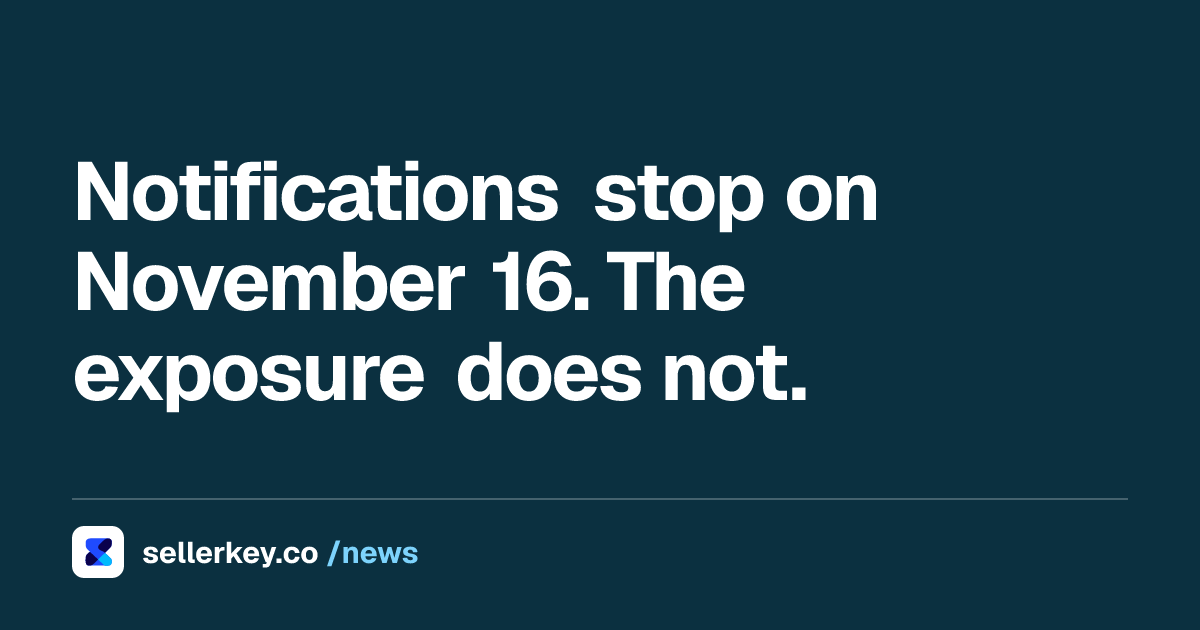
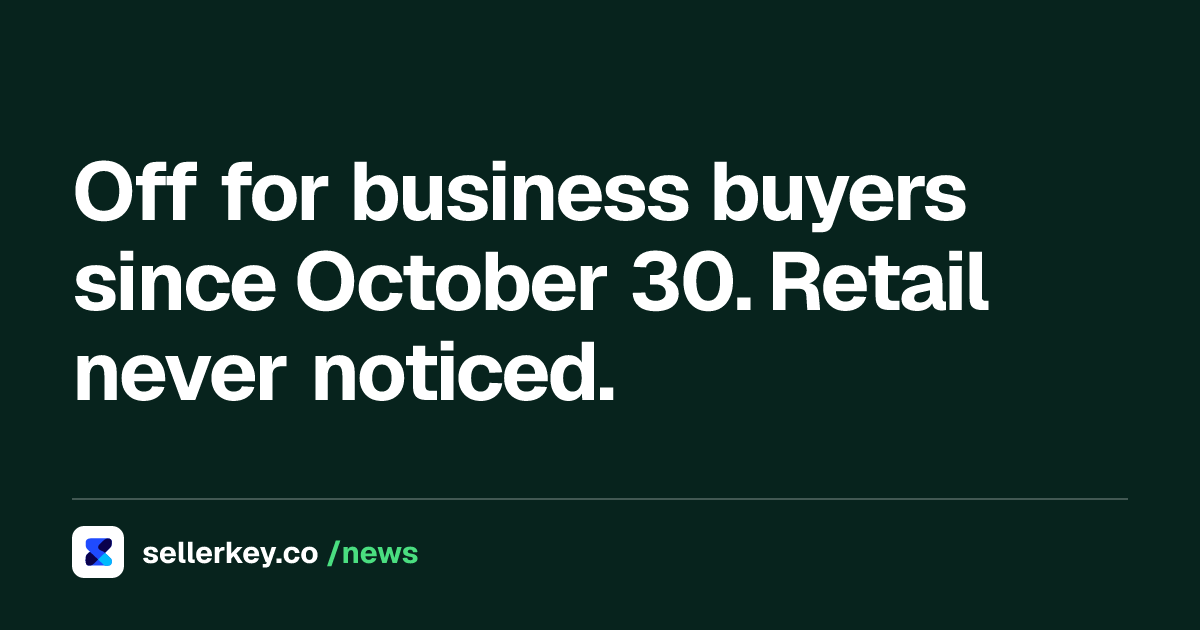
date from which offers can be deactivated for business buyers
Key takeaways
- Seller-fulfilled offers need a Business Hour Delivery Rate of 90% or higher to stay eligible for Amazon Business customers.
- The requirement started September 30, 2026; from October 30, 2026 Amazon can deactivate the offers that sit below it.
- FBA and retail offer eligibility are not affected, which is why the drop is easy to miss.
- The rate and a carrier-level report sit in the Eligibilities section of the Account Health dashboard.
- Amazon says shipments with Automated Handling Time, Shipping Settings Automation and Buy Shipping all enabled meet the requirement.
If your offers are not showing for Amazon Business customers and nothing in your account looks broken, the cause is probably a metric you have never opened. Since September 30, 2026, seller-fulfilled offers need a Business Hour Delivery Rate of 90% or higher to stay eligible for Amazon Business buyers, and since October 30, 2026 Amazon has been able to deactivate the offers that sit below it.
What the requirement actually says
Amazon announced the requirement in Seller Central in the News and Announcements forum. The text is short and the dates are hard:
- September 30, 2026: the 90% minimum starts. Sellers below it on that date were notified and given recommendations.
- October 30, 2026: if the rate has not improved, "your seller-fulfilled offers may be deactivated for Amazon Business customers."
The scope is narrow in a way that explains why so few sellers caught it. It applies to seller-fulfilled shipments in the US store, to Amazon Business customers. Amazon states that FBA and retail offer eligibility are not affected. So if you run a mixed account, your FBA offers kept selling, your retail page looked normal, and the only thing that disappeared was a customer segment most sellers never report on separately.
Why a rate you never watched can be under 90%
Business Hour Delivery Rate measures how often your self-fulfilled orders to Amazon Business customers are delivered inside the customer's operating hours, over a rolling window. It is not On Time Delivery Rate with a different name. A parcel can arrive a day early, inside the promise, and still count against Business Hour Delivery Rate because the carrier attempted the delivery when the office was shut.
That is the trap. Nothing in your shipping performance looks wrong. You chose a carrier on price and transit time, which is the correct way to choose a carrier for consumers, and that same choice is what fails at a loading bay at 7pm on a Friday.

Where to look, today
Amazon's guidance on monitoring the rate puts the metric in the Eligibilities section of the Account Health dashboard, with a downloadable report. The useful part of that report is the carrier breakdown: Amazon's own instruction is to "identify the top-performing carriers who have a business hour delivery rate greater than 90%" and move volume to them. For US sellers Amazon recommends UPS Ground, UPS Ground Saver and FedEx Ground. Sellers also report seeing the same metric in the Fulfillment Insights Dashboard, which is worth checking if the Eligibilities view is empty for your account.
Run the report before you change anything. A single bad carrier on a single route is a different problem from a handling time that is wrong across the catalog, and the fix is different too.
The three settings that take the metric out of your hands
Amazon's announcement names a combination that it says is guaranteed to meet the requirement: Automated Handling Time, Shipping Settings Automation and Amazon Buy Shipping, all three enabled. Shipments fulfilled with all three are guaranteed to meet the Business Hour Delivery Rate requirement, per the announcement.
Two caveats worth knowing before you flip the switches. Sellers in the Seller Central forums report that the protection only applies to labels bought while the settings were already on, so turning them on does not repair a rate that is already captured. And Automated Handling Time overrides SKU level handling times, which matters if part of your catalog is made to order, heavy and bulky, or perishable; those categories have exemptions that go through Selling Partner Support.
How to confirm you are back
The rate is a rolling window, so recovery is mechanical rather than instant: clean deliveries have to accumulate until the window no longer contains the bad ones. Check the Eligibilities section weekly rather than daily, and watch Amazon Business orders specifically, because a recovery that shows in the metric before the offers reappear means the eligibility has not caught up yet.
If this is the first time you have looked at this part of the dashboard, how the Account Health rating is built explains which metrics can actually cost you offers, and what running an FBM business involves covers the delivery promise you own the moment you stop using FBA. The metric itself, and the 14 day window it measures, are in our explainer on Business Hour Delivery Rate.
“your seller-fulfilled offers may be deactivated for Amazon Business customers”
Amazon Seller Central
Sources
- Amazon Seller Central: New business hour delivery requirement for seller-fulfilled shipments (News_Amazon) sellercentral.amazon.com
- Amazon Seller Central: Monitor your business hour delivery rate (News_Amazon) sellercentral.amazon.com
- Foros de Seller Central: hilo de vendedores sobre la protección de OTDR con AHT y SSA sellercentral.amazon.com

Hey! We're the SellerKey Team
Data & product at SellerKey.co
📊 We build SellerKey.
The team behind SellerKey. We write about fees, margin, inventory and ads for Amazon sellers.